



You do not need to be technical to get value from AI tools. Here are seven everyday ways professionals use them, with simple prompts you can adapt. Try one this week and see how much time it saves.
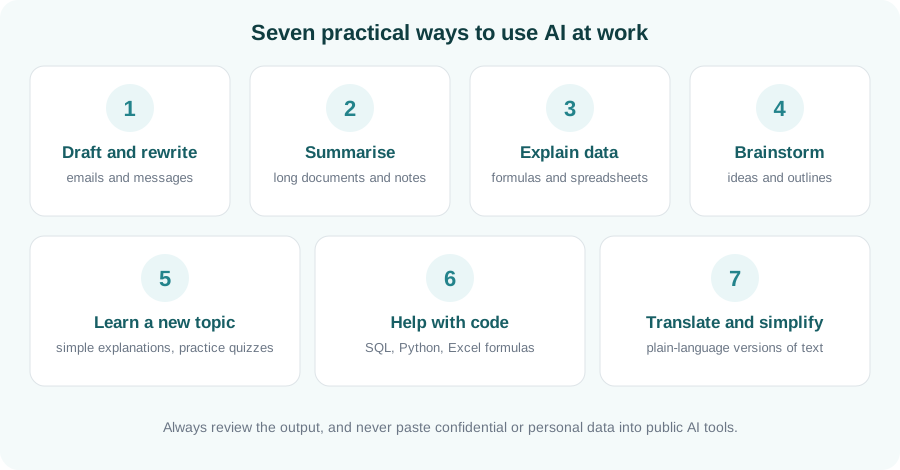
1. Draft and rewrite messages
Ask for a first draft of an email, then adjust the tone. Try: “Rewrite this email to sound polite but firm, and keep it under 100 words.”
2. Summarise long documents and notes
Paste in non-confidential meeting notes or an article and ask for the key points, decisions and next steps in a short list.
3. Explain data and formulas
Describe what you want a spreadsheet to do and ask for the formula, or ask the AI to explain a formula you inherited, step by step.
4. Brainstorm ideas and outlines
Use it to get unstuck: ask for ten possible titles, a presentation outline, or the pros and cons of an approach. Treat the list as a starting point.
5. Learn a new topic
Ask for an explanation “as if I am new to this”, then ask it to quiz you. Following up with questions makes it feel like a patient tutor.
6. Get help with code
For SQL, Python or Excel, ask it to write a small example, explain an error message, or tidy up your code. Always test what it gives you.
7. Translate and simplify
Turn technical text into plain language, or adapt a message for a different audience, without starting from scratch.
Key takeaways
- Start with low-risk tasks: drafting, summarising and explaining.
- Give clear context and say what format you want back.
- Check the output, especially facts, numbers and code.
- Protect confidential and personal data.
Go beyond the basics
Learn prompting, practical workflows and responsible use in our Generative AI Fundamentals course.
Enquire about AI training